-
expand_more expand_less System Administrator's Guide
-
expand_more expand_less A guide for the trainer
-
expand_more expand_less A guide for the trainee
Recover your account password
Recover your account password
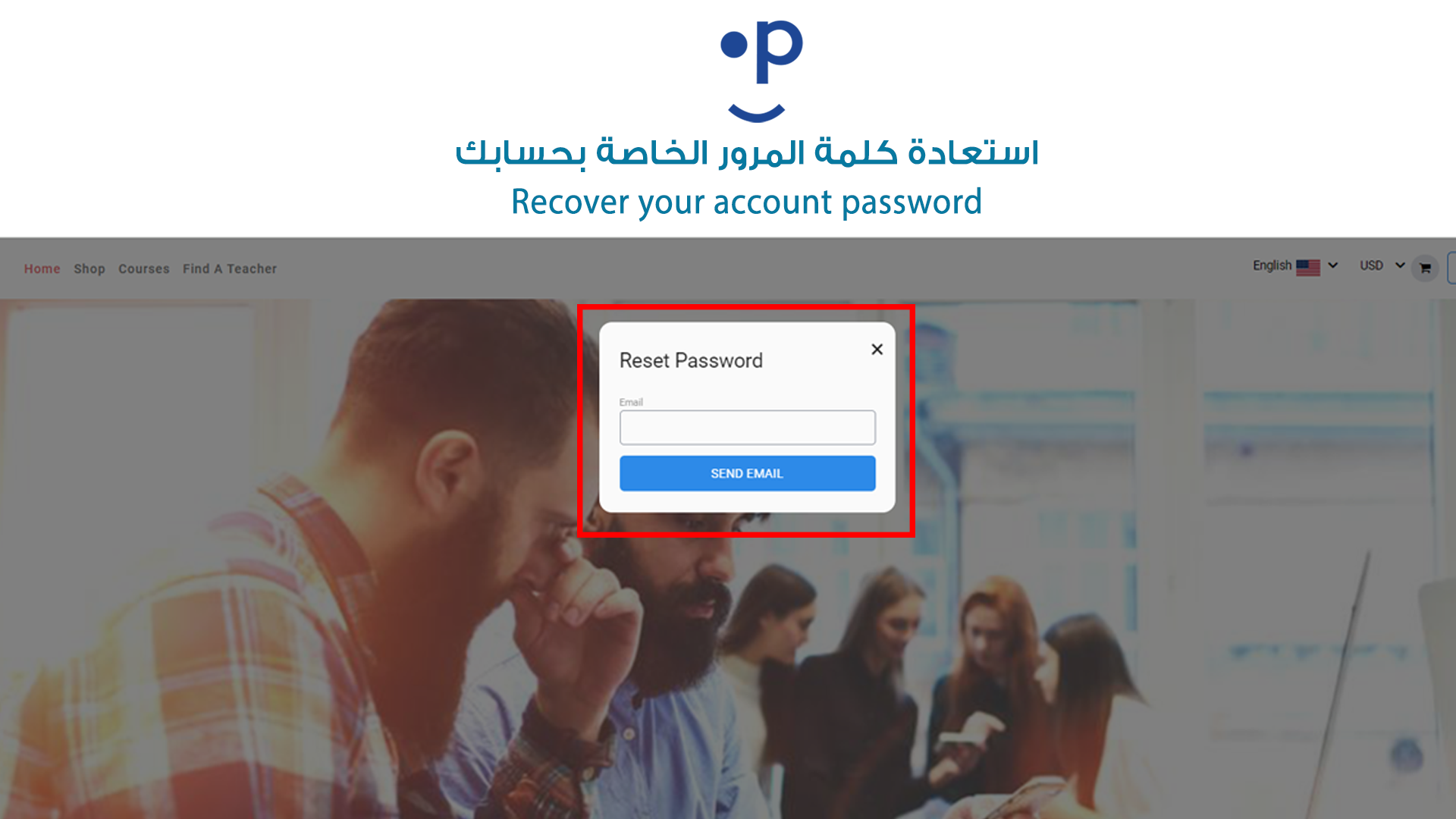
- Go to the login page: Navigate to the website's login page where you would normally enter your credentials.
- Click "Forgot Password": Look for the "Forgot Password" option usually under the password field. Click on it.
- Enter your registered email: A prompt will appear asking for your email. Make sure to enter the email address associated with your account.
- Submit the request: After entering your email, click on the "Send Email" or "Submit" button. This will trigger the system to send a password recovery email.
- Check your email: Open your email inbox and find the message from the system. It will contain a link or instructions for resetting your password.
- Follow the link: Click on the provided link, which will take you to a password reset page.
- Create a new password: On the password reset page, you will be prompted to enter a new password. Make sure it’s something strong and memorable.
- Login with your new password: After successfully resetting your password, you can now return to the login page and use your new credentials to access your account.